
Not a questionnaire. A conversation that reflects your client back to themselves.
Delivered as a report under your own brand.
Your practice, start to finish
This is the white-label Enneagram assessment you would run under your own name. Your clients see your practice, not ours. Here is what happens at each stage, and what stays in your hands.
Make it yours
Set your logo, colours and practice name once, and the platform disappears behind your brand. Your client sees your name on the intro screen and in the emails they receive. Ours never appears to them.

Send a session
When you are ready to invite a client, assign a session in a few clicks. Choose the report type, add a personal message if you like, and the platform sends a private, one-time link from your practice.
There is no password to manage: you log in with a one-time code sent to your email, so there is nothing for you or your client to remember.
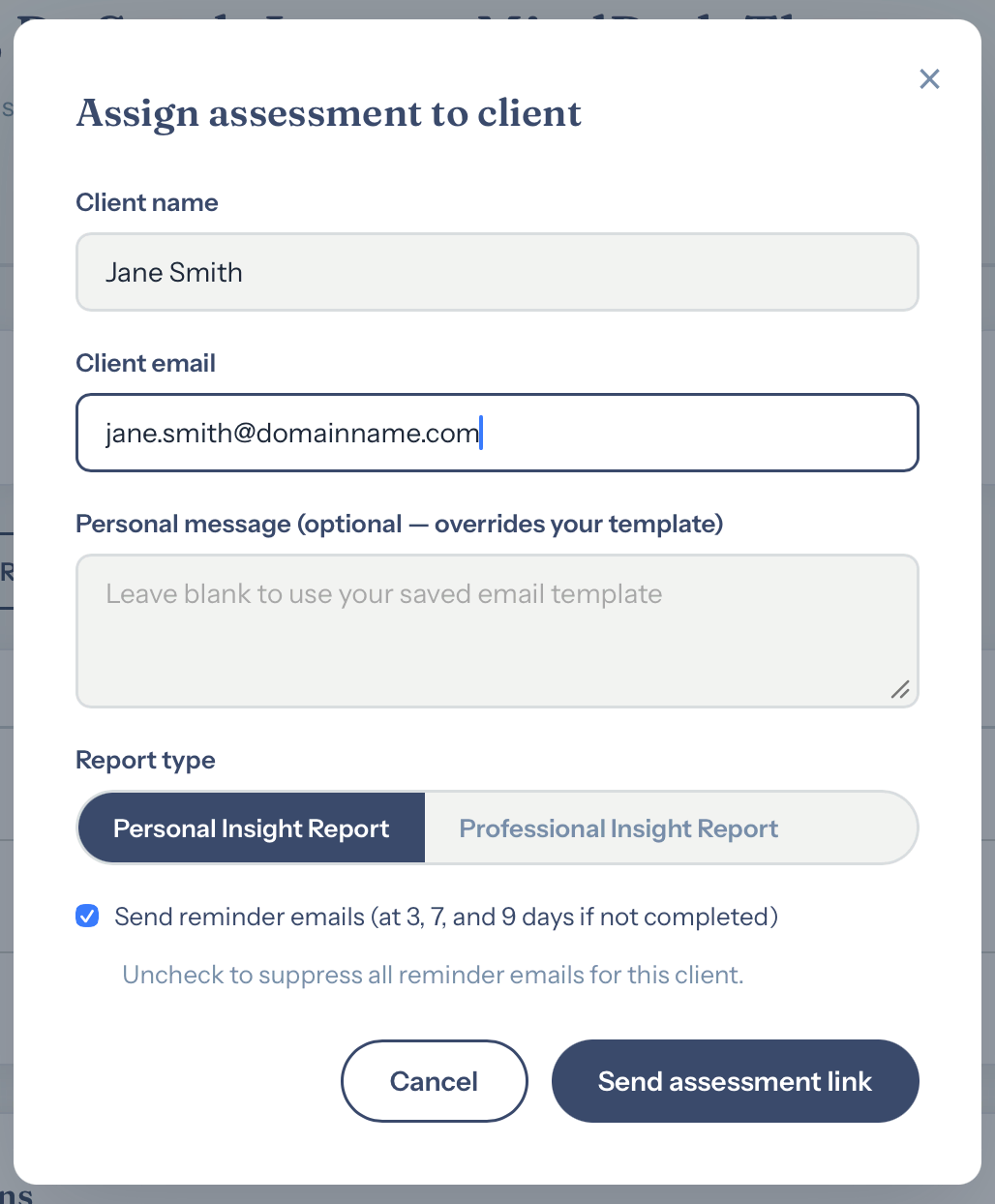
Your client receives a branded invitation
Moments after you assign a session, your client receives an email from your practice with their private link. Your name, your logo, your colours, before they have answered a single question.
There is no sign of us anywhere in it. From their first contact, this is your service.
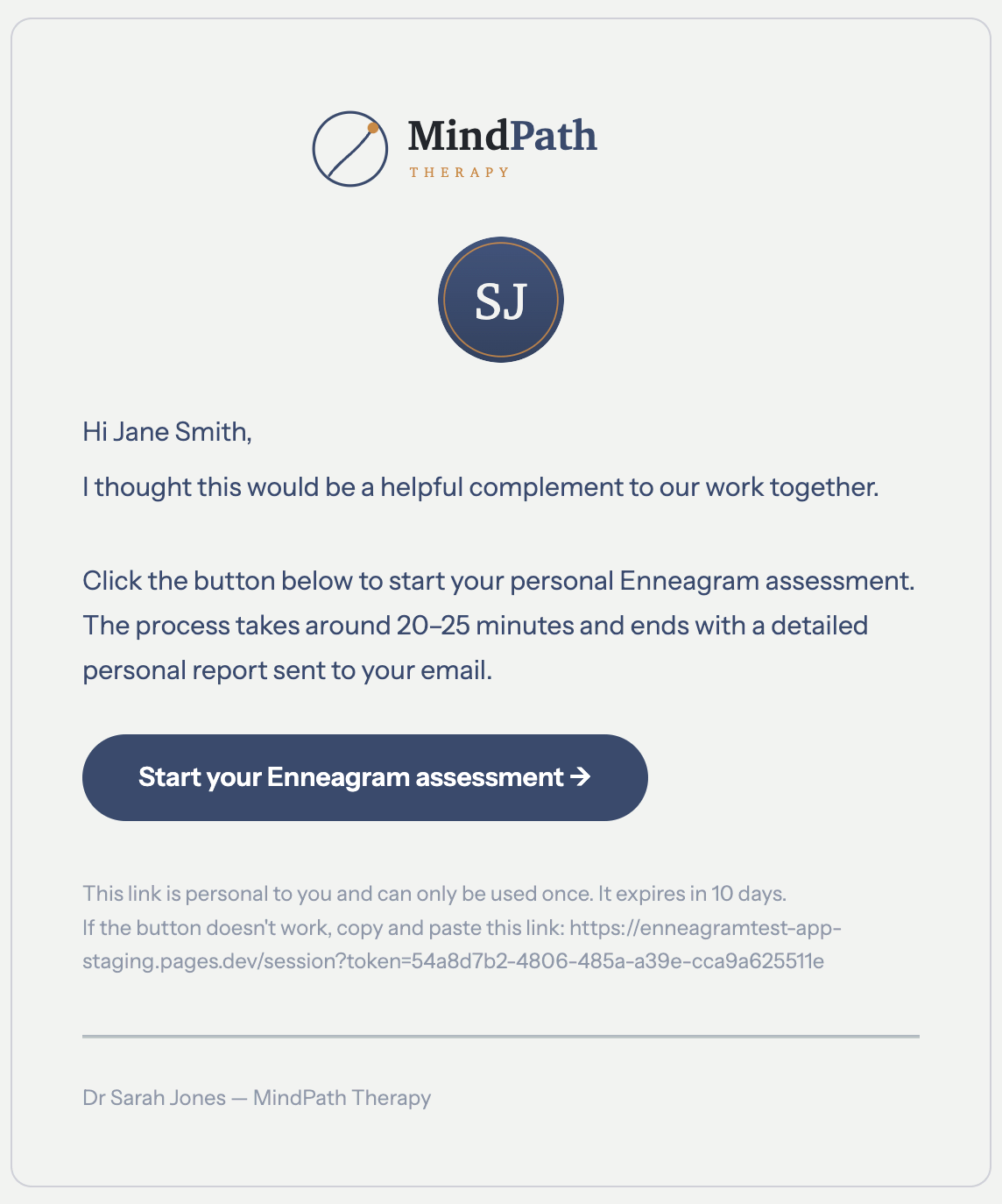
Your client has a conversation, not a questionnaire
Instead of working through scores of tick-box questions, your client talks. The guided conversation runs for about 20 to 25 minutes and explores what actually drives them, the way an experienced typologist would.
They are told clearly at the start that they are speaking with an AI guide working on your behalf, and they can skip anything they would rather not answer.

You review, then release
This is the part that matters most. The finished report arrives in your dashboard, not your client's inbox. You read it, decide whether it is right for them, and release it when you choose.
Nothing reaches your client until you have seen it and confirmed you are happy to share it. The judgement stays with you.

Your client receives a report like this
Once you release it, your client receives a secure link under your brand and can read their report online or save it as a PDF. This is the kind of report they receive.

Read our full approach to ethics and privacy